
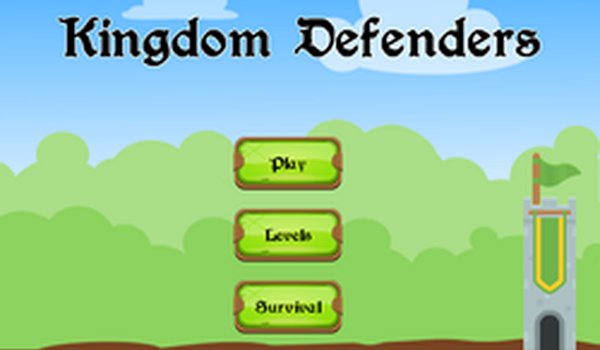
Castle Guardians Tile Match
Trusted instant play — no download required.
Reviews
Castle Guardians Tile Match delivers a patient, family-friendly puzzle experience. The absence of timers and fail states makes it accessible to younger players and anyone seeking a low-pressure game. Tile types have distinct roles, so success depends on observation and foresight rather than quick reflexes. The medieval theme, with shields and banners, stays bright and inviting. The main limitation is that the core loop may feel too gentle for players who crave urgency or complex mechanics.
About this game
Matching Tiles to Defend the Castle
Castle Guardians Tile Match asks players to select and align identical tiles on a grid. When three or more tiles connect, they disappear and produce a benefit: reinforcing a wall or calling an ally. The board refills with new tiles after each match, so planning ahead matters more than speed. Each tile type has a distinct role, and understanding how they interact is key to progressing smoothly. There is no timer, so observation and foresight drive success.
Medieval Theme and Visual Style
The game uses a light medieval theme with cheerful colors and simple animations. Tiles show icons like shields, towers, and banners, making them easy to tell apart at a glance. The background depicts a castle under a bright sky, and successful matches trigger small flourishes such as sparkles or rising flags. This style keeps the experience inviting for younger players while remaining pleasant for adults. No dark or intense imagery appears, reinforcing the family-friendly tone.
Progression and Difficulty Curve
Early levels introduce basic tile types and straightforward goals, such as clearing a set number of tiles. Later stages add new tile abilities and require more precise matching to succeed. The game does not use timers or pressure; instead, it rewards patience and methodical thinking. Each completed level unlocks the next, with occasional bonus rounds that offer extra points. This gradual ramp-up ensures newcomers can learn at their own pace while experienced players still find satisfying challenges.
Controls and Accessibility
All actions use a mouse or touch input. Players click or tap a tile to select it, then click another tile to swap positions. The interface shows a clear indicator for selected tiles, and invalid moves are ignored without penalty. An optional hint button highlights a possible match if the player feels stuck. The scoring system tracks matches and combos, but there is no fail state that forces a restart, allowing players to experiment freely.
Compatibility
FAQ
Player comments
Sign in to leave a review
You must be logged in before posting a rating or comment.
No comments yet. Be the first to comment!






Editorial Notes